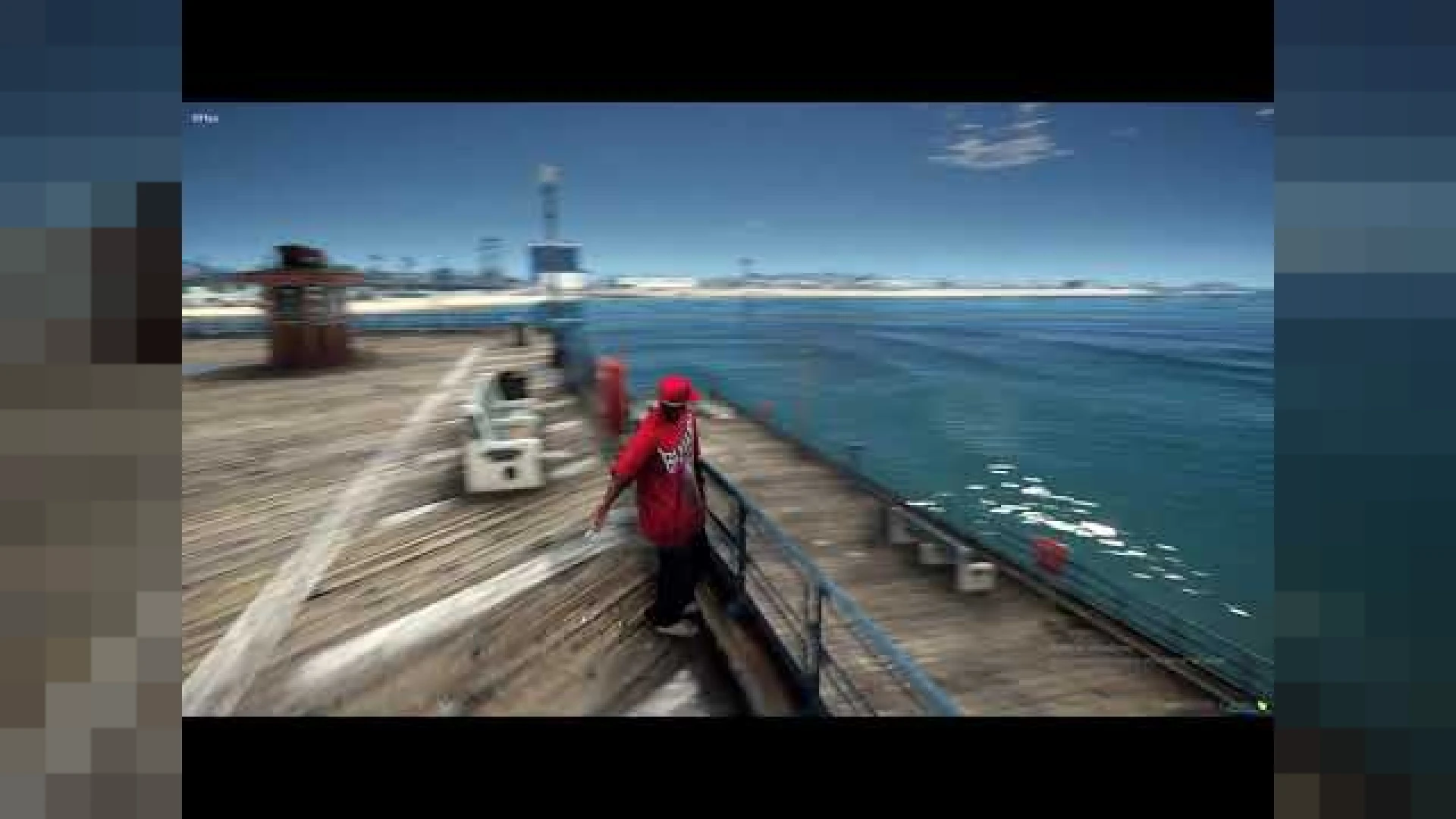
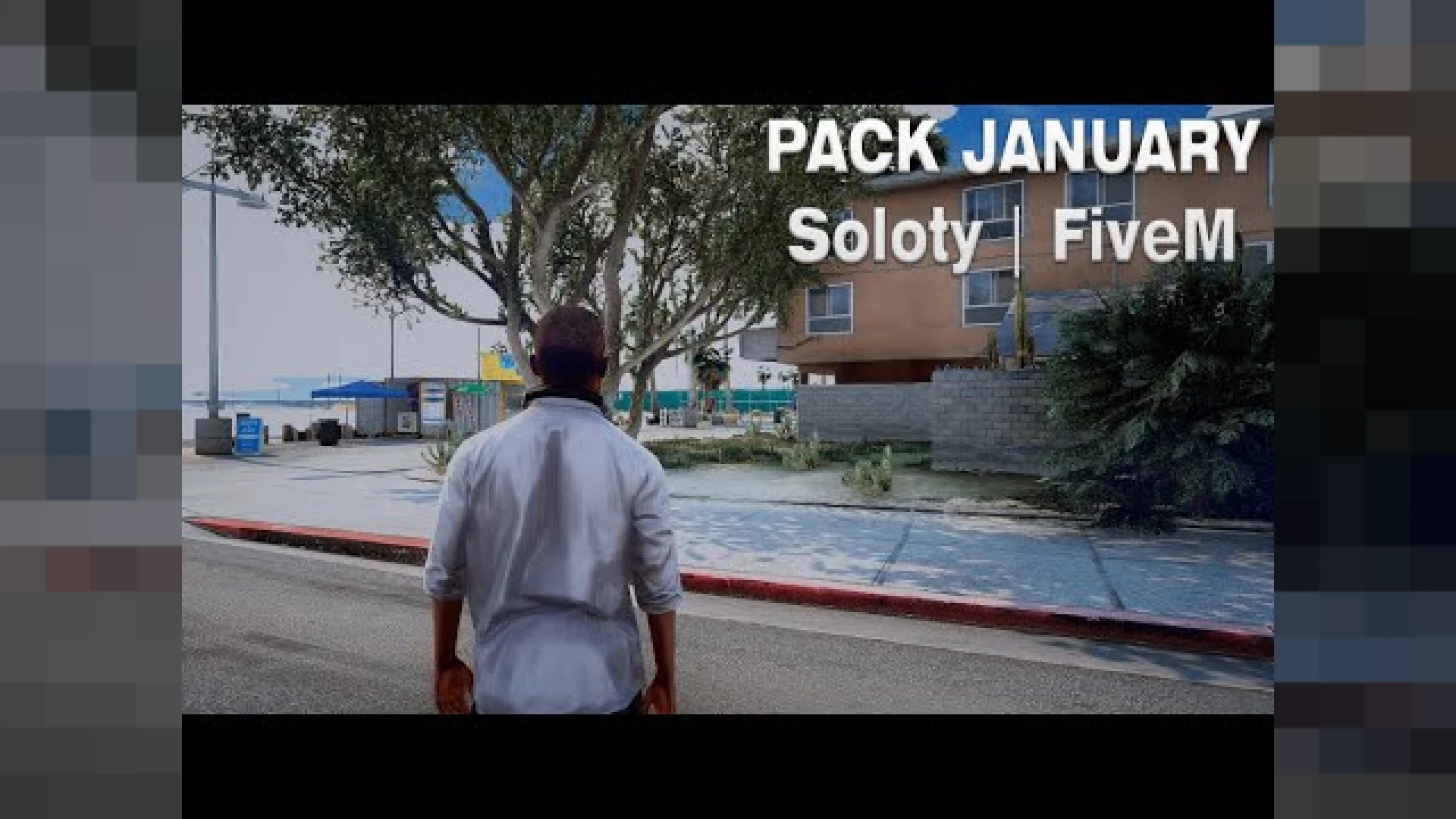
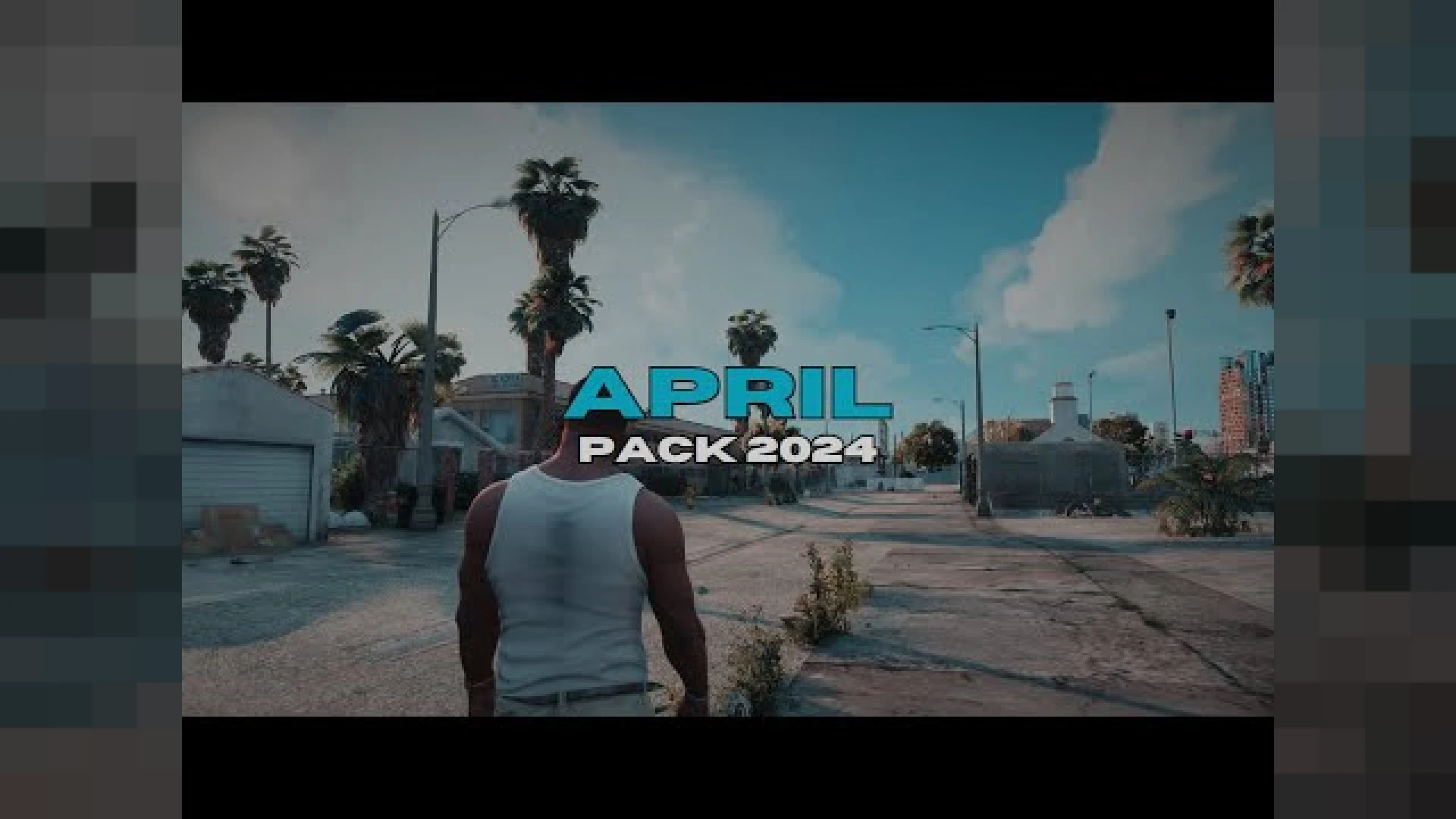
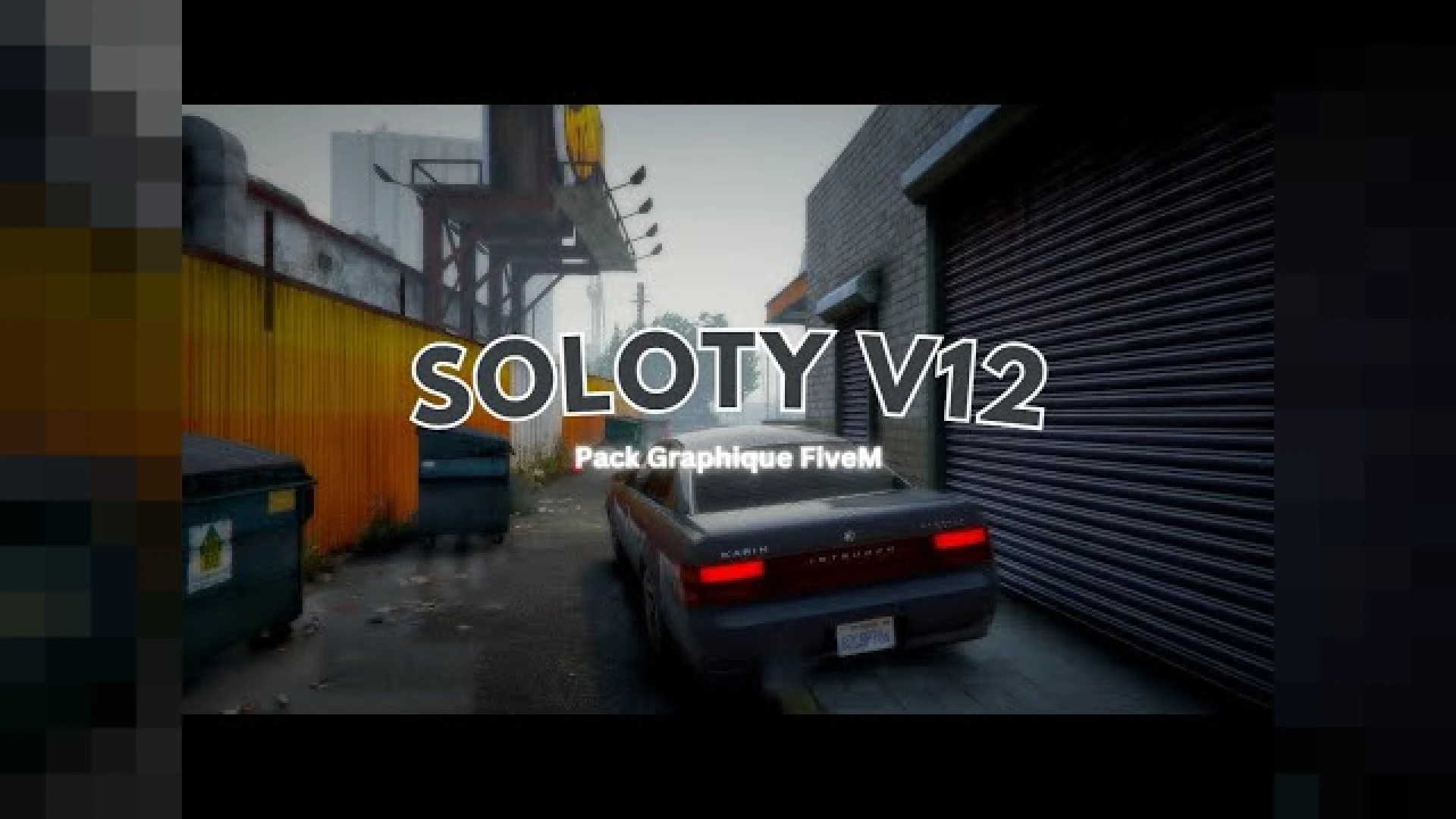
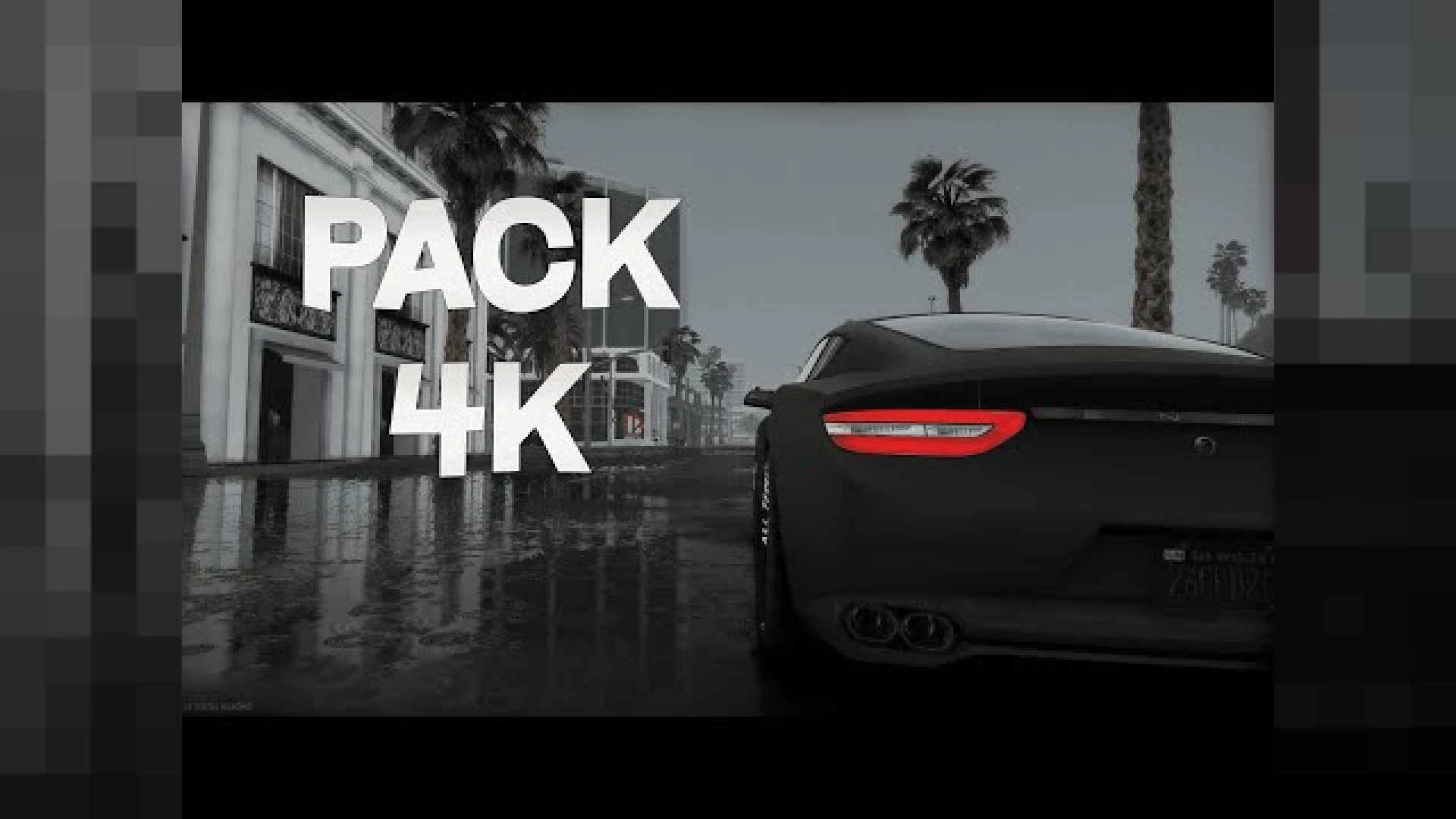
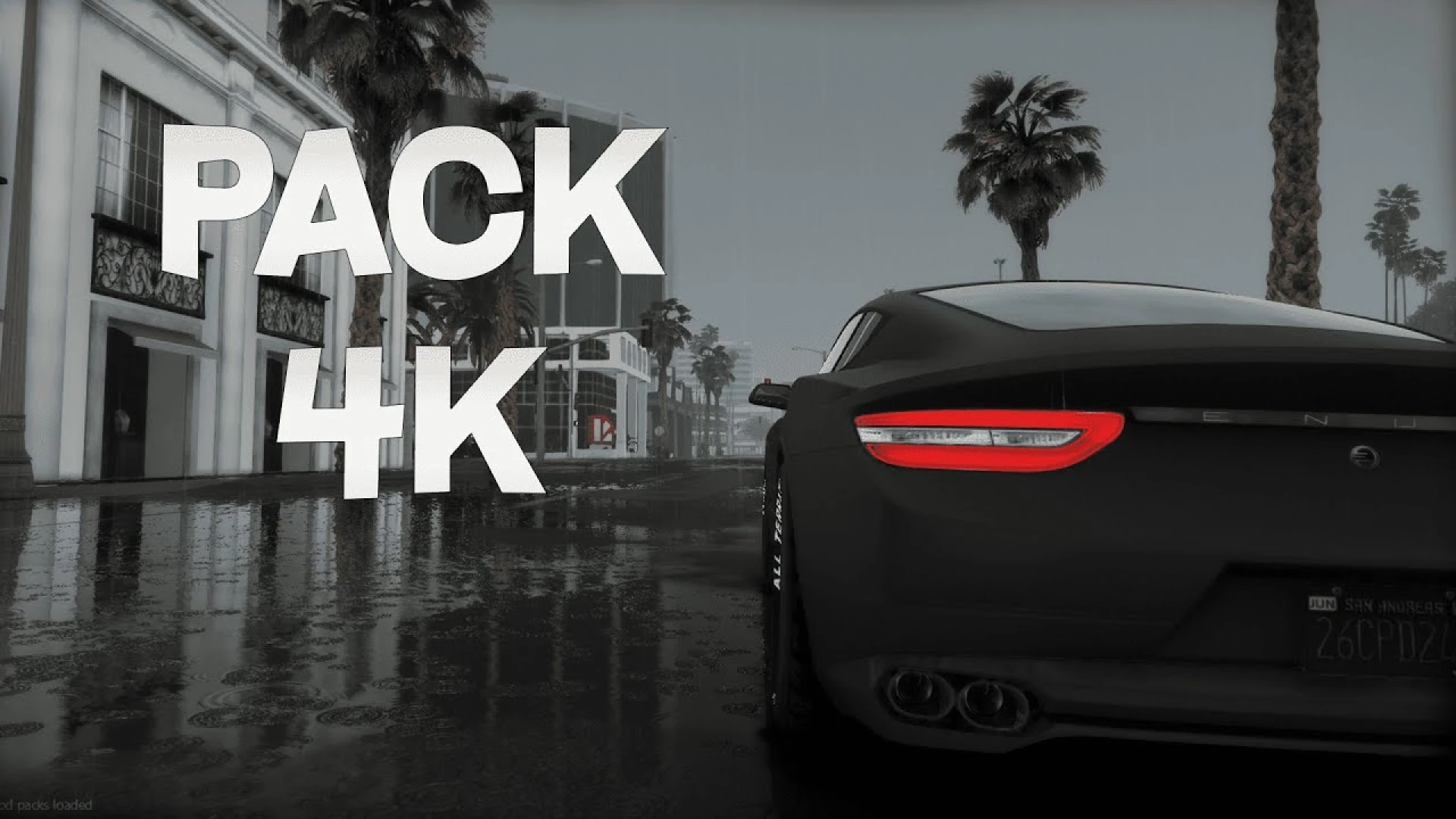
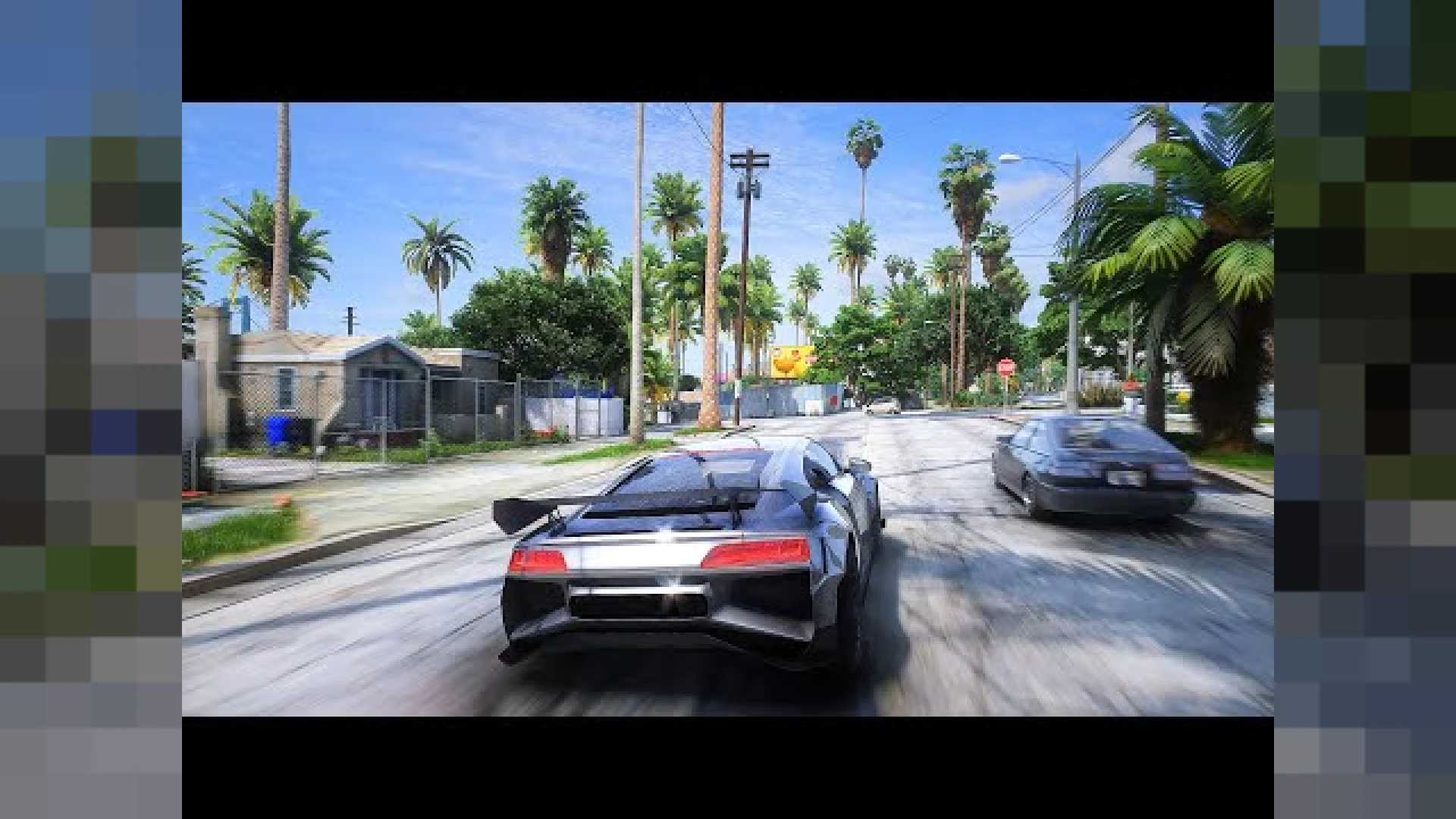
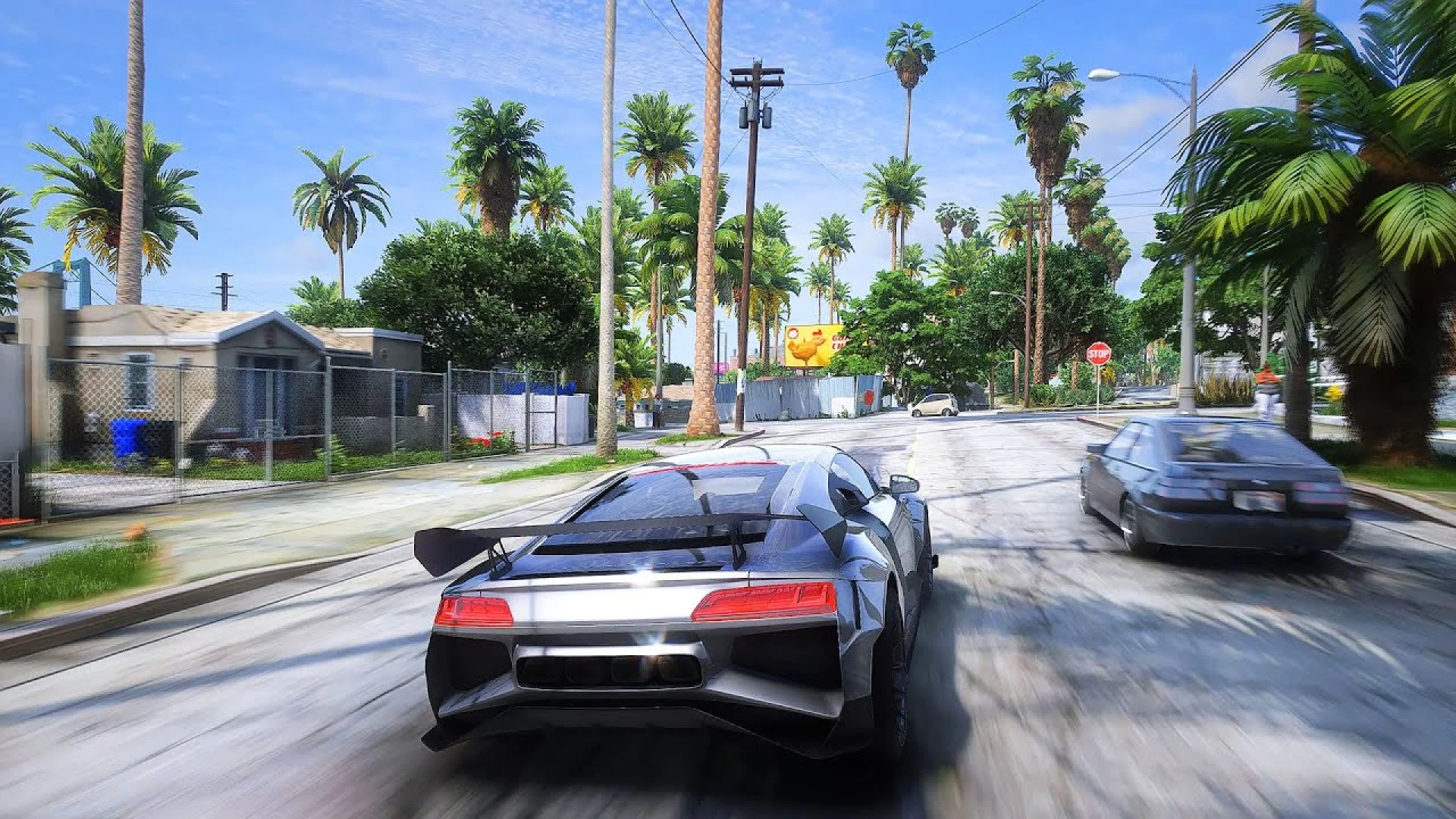
The ReShade Presets from TLRR is a polished, ready-to-run release built for FiveM roleplay servers that want a noticeable upgrade without a heavy configuration burden. Each of the six profiles adjusts contrast, sharpness, and color balance so you can find a look that matches your monitor and your server's mood. Everything is packaged to install cleanly, with organized files and clear notes so you can get it running on your server quickly and without guesswork.
Because ReShade works as a post-processing layer over the game, these presets change what you see on your own screen without modifying any server files or gameplay. The goal is a dependable result that looks right the first time, so you spend less effort fighting setup issues and more time actually enjoying the improvement it brings.
Why the ReShade Presets stands out
- Six distinct profiles spanning realistic, vibrant, and filmic styles
- Quick in-game switching so you can compare looks on the fly
- Balanced sharpening that adds clarity without harsh halos
- Color tuning that keeps skin tones and vehicles looking natural
- Sensible defaults you can fine-tune to taste at any time
Getting the most from these ReShade Presets
- Pick a preset per scene, whether you want moody night clips or bright daytime shots
- Toggle effects individually if a profile feels too strong
- Works alongside common graphics packs for layered results
- Lightweight enough to keep performance predictable on most GPUs
- Clear instructions for installing ReShade and loading the profiles
This bundle suits content creators and roleplayers who like variety and want ready-made starting points instead of building a profile from scratch. Having six options on hand means you can match the vibe of a specific stream, screenshot session, or in-game event in seconds. It is put together with everyday use in mind, so the experience stays consistent whether you are testing quietly or running a busy session with many players online.
Setup is simple once ReShade itself is installed: drop the preset files into the correct folder, select a profile in the overlay, and adjust from there. Disabling the effects or removing the presets is just as easy whenever you want the plain game back. Documentation is included to walk you through the key options, which keeps the learning curve gentle even if you are still getting comfortable with FiveM resources.
Browse more matching releases in our client-side mods collection, or explore related picks in the scripts collection to round out your setup; both are curated so you can find compatible additions that fit the same style, framework, and overall quality.